Serving the Coachella Valley
Friendly Tech Help for Seniors
Printers, Wi-Fi, email, phones, new computers, and scam-safety checkups — explained patiently, in plain English, right in your home.

Serving the Coachella Valley
Printers, Wi-Fi, email, phones, new computers, and scam-safety checkups — explained patiently, in plain English, right in your home.
If technology is frustrating you — or someone you love — we've got you covered.
Won't print? Won't connect? We'll get it working — wired or wireless.
Slow, dropping, or just plain dead. We find the problem and fix it.
Set up a new account, recover an old one, or simply get organized.
Out of the box to fully ready — settings, email, browser, and files transferred.
iPhone, Android, iPad — one-on-one guidance at your pace.
Learn to spot scams, clean up your browser, and protect your accounts.
Netflix, streaming apps, remotes, and picture settings sorted out.
Forgot a password? Locked out of an account? We help you regain access.
Move your photos, documents, and files safely to a new device.
Flat-rate packages, no hidden fees. You'll always know what you're paying before we start.
Up to 75 minutes · In-home
One or two issues tackled in your home — printers, Wi-Fi, email, phones, tablets, smart TVs, and more.
Full setup · In-home
Out-of-box to fully ready: system updates, email, browser, printer connection, and file-transfer estimate.
Up to 75 minutes · In-home
Browser security cleanup, suspicious settings removed, password guidance, and practical scam-awareness coaching.
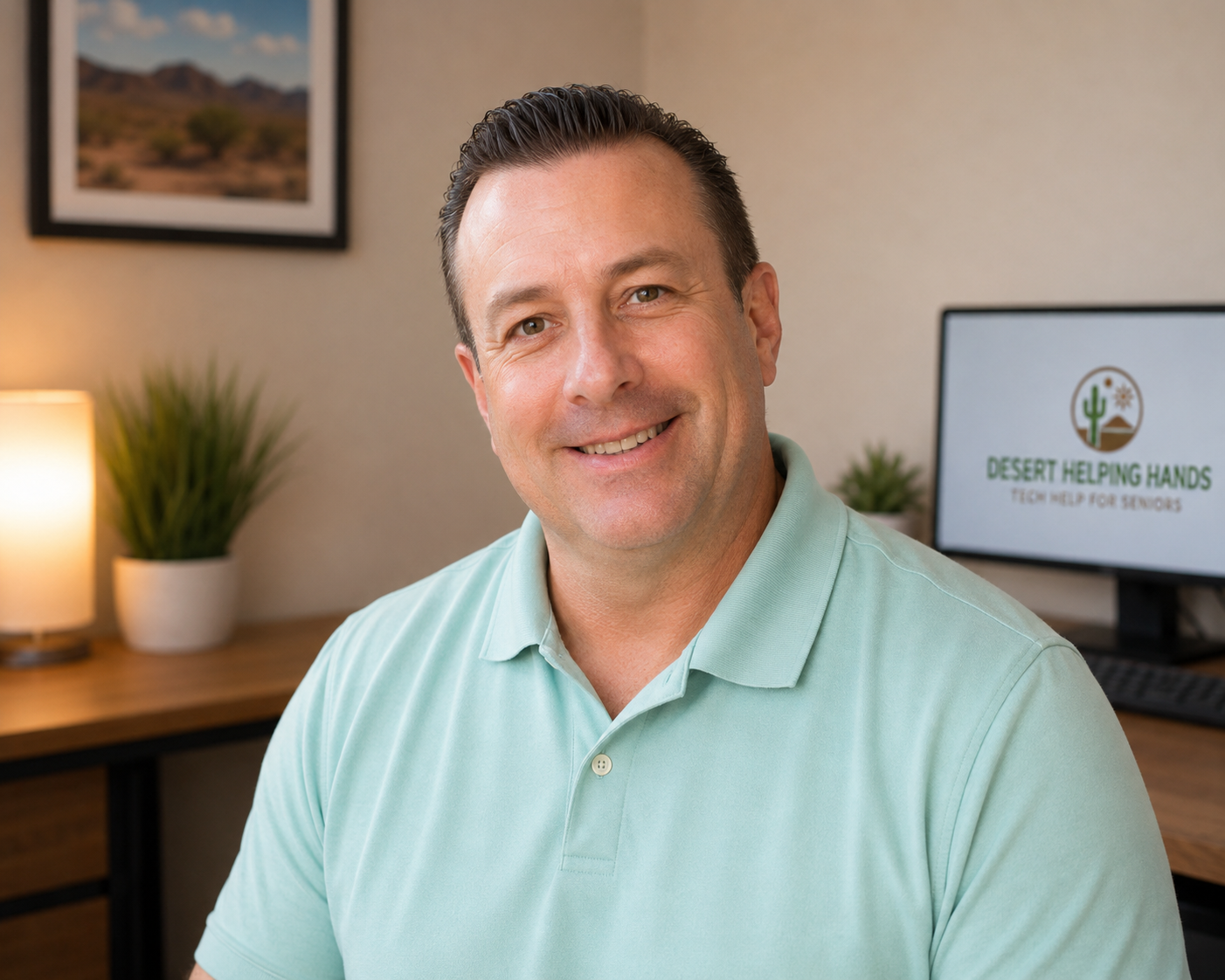
Hi — I'm Darwin, and I'm the person who answers when you call Desert Helping Hands. I live right here in Palm Desert, and I've spent more than 20 years working in technology, including nearly 13 years at Microsoft. I've seen it all — from enterprise systems to the printer that swears it's offline when it clearly isn't.
But here's what matters most to the people I help: I explain things in plain English, I go at your pace, and I never make you feel silly for asking. Most people just want their device to work without a lecture — and that's exactly what I'm here for.
I serve seniors, retirees, and families throughout Palm Desert, Rancho Mirage, Indian Wells, La Quinta, Cathedral City, Palm Springs, and the surrounding Coachella Valley communities.
The fastest way to reach us is a call or text. We respond the same day, usually within a couple of hours.
📍 Serving Palm Desert, Rancho Mirage, Indian Wells, La Quinta, Cathedral City, Palm Springs, and surrounding Coachella Valley communities.
We never share your information. Period.